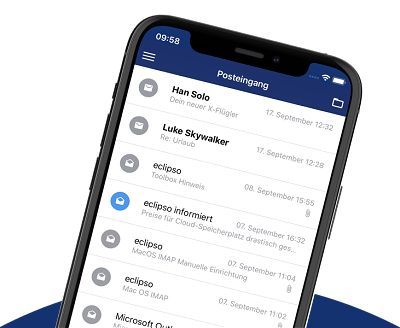
Lost your smartphone? Delete and remove app access to the eclipso Mail Europe app
Lost your smartphone? Delete and remove app access to the eclipso Mail Europe app
With the eclipso Mail Europe desktop web version, you can delete your app access for iOS/Android at any time. This protects your emails and data if your smartphone is lost or stolen. App access can be removed free of charge in all plans.
What happens when you delete app access?
- Immediate logout: The app will be logged out on the lost device.
- No more access: Unauthorized persons can no longer read your emails.
- Protection of your data: Your private messages remain secure.
How do I delete app access?
The principle: You remove access directly in the web interface.- Log in to the eclipso Mail Europe web interface.
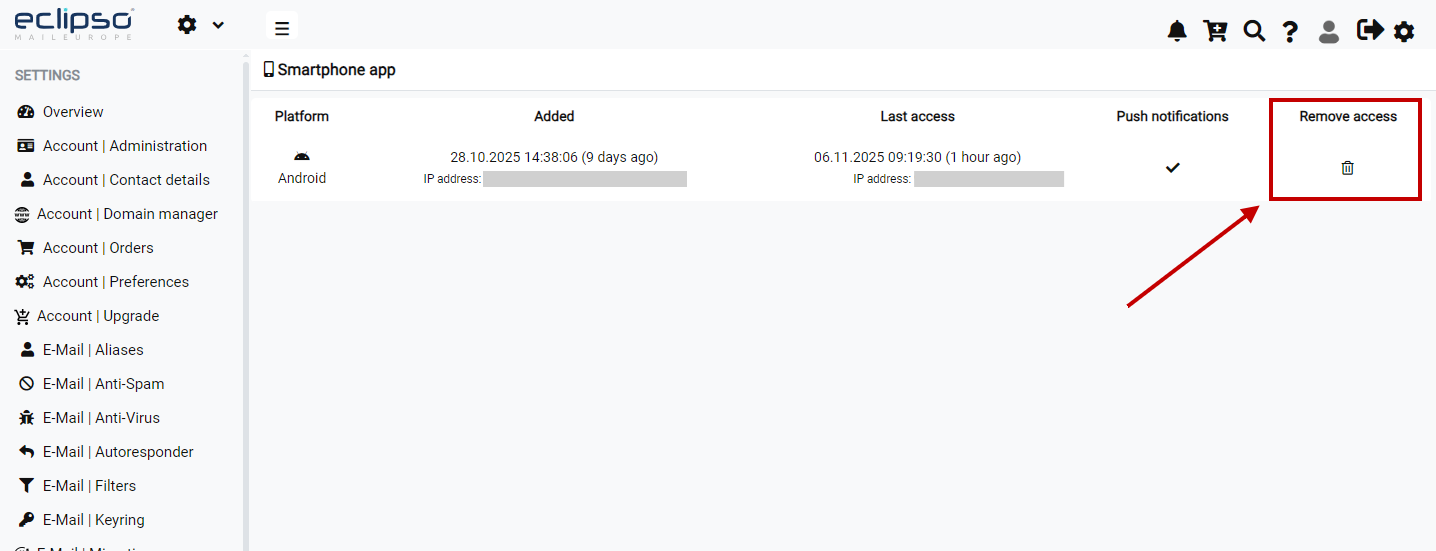
- Go to Settings > Smartphone App.
- In the overview, you will see all connected devices with platform, date, and IP address.
- Click the trash can icon next to the desired device.
- Confirm the security prompt.
Important notes
- Last access: You can see when and from which IP address the app was last accessed.
- Helpful for authorities: This information can help with location tracking.
- Multiple devices: You can remove access for each connected device individually.
Tip: After losing your smartphone, also change your password to optimally protect your account.