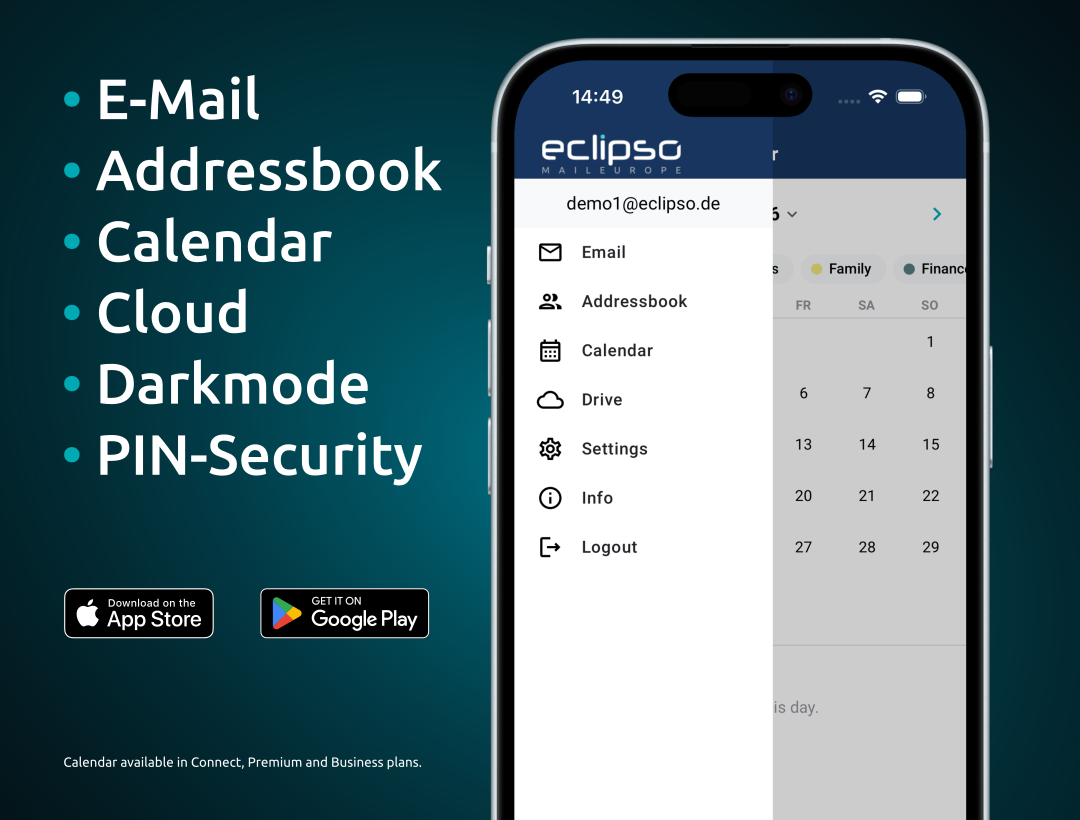
The eclipso Mail App - free for iPhone & Android.

Your eclipso mailbox, calendar, contacts and cloud storage in one app. With PGP encryption, PIN protection, dark mode and PUSH notifications - always free.

PGP / OpenPGP Dark Mode PIN Protection PUSH
eclipso Mail App for Android and iOS

Email, Calendar & Contacts

Send and receive emails, manage your calendar with sync and keep your full address book in the palm of your hand.

PGP Encryption & PIN

Send and read PGP-encrypted emails directly on your device. Protect the app with a 4, 6 or 8-digit PIN for an extra layer of privacy.

Cloud Storage & Always Free

Upload and access your files and photos in eclipso Drive directly from the app. The app is completely free and permanently available.

eclipso Mail App - desktop and mobile

Your eclipso account. Always with you - on every device.

The eclipso Mail App is the perfect mobile companion to your eclipso account. Whether you are managing your inbox, checking your calendar, looking up a contact or uploading photos to eclipso Drive - everything is just a tap away, securely encrypted and GDPR-compliant.

Send and receive encrypted emails, manage folders, open and forward attachments up to 50 MB 1. PUSH notifications keep you informed instantly. A built-in text mode improves readability of HTML emails. Integrated image preview for photo attachments.

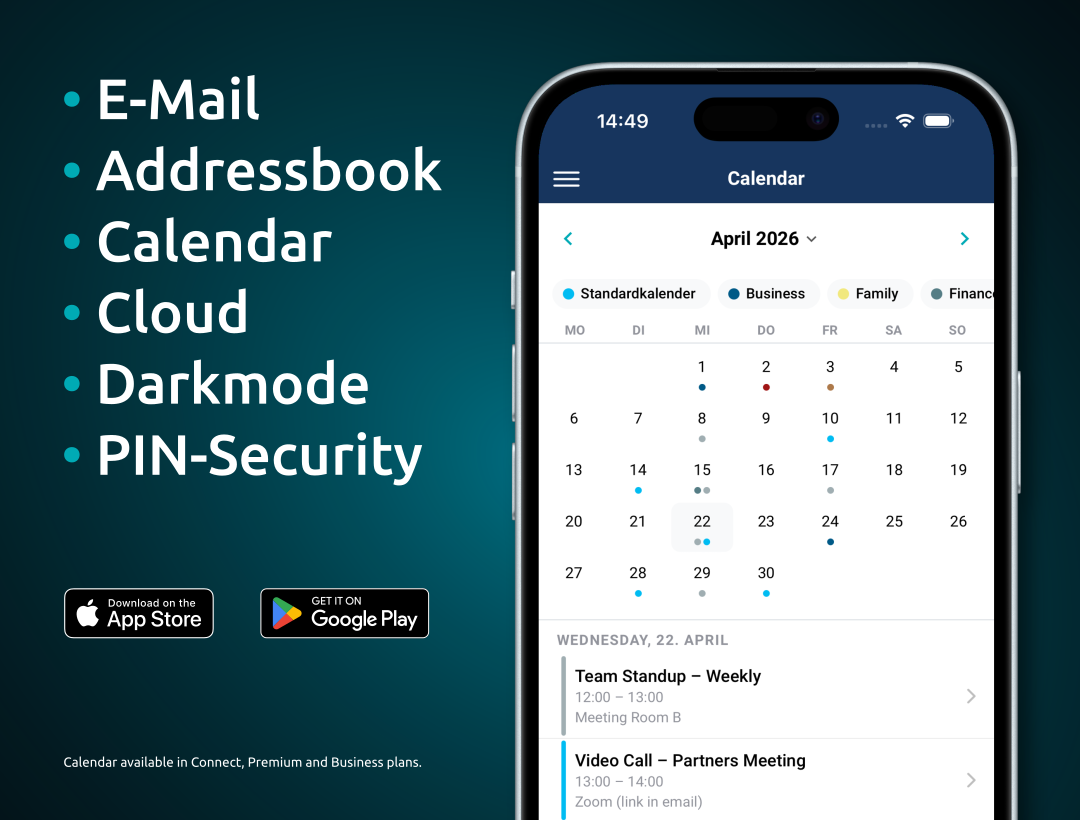
Manage all your appointments directly in the app. Your calendar is synced in real time with all your devices. Create and edit events, set reminders and keep an eye on birthdays from your address book - all in one place.

Upload, download and manage photos, documents and files in eclipso Drive. The integrated search lets you find contacts in your address book and emails in your inbox within seconds. Select email addresses directly from your contacts when composing a message.

The app supports PGP-encrypted email for both sending and receiving. Encrypted messages are automatically decrypted, and you can send PGP-signed and encrypted emails to other PGP users directly from your phone. Key management is available in the eclipso web interface.

Protect the app with a 4, 6 or 8-digit PIN code. The optional dark mode reduces eye strain in low-light conditions. If your device is lost or stolen, you can check the last access time and remotely block or delete the app session from the eclipso web settings.

All app features at a glance

Email, calendar, contacts, cloud - and secure by design.

Email with PUSH

Full email functionality with PUSH notifications, folder management, attachments up to 50 MB 1, text mode for HTML emails and integrated image preview.

Calendar & Sync

Manage appointments, reminders and birthdays. Auto-sync keeps all your devices in perfect alignment in real time.

eclipso Drive

Upload and access photos, files and documents in your personal cloud storage from your mobile. Save space on your device with the cloud-first approach.

Search - Email & Contacts

The integrated search function lets you find emails and contacts instantly. Look up people directly in your address book while composing a new message.

PGP / OpenPGP Encryption

Send and receive PGP-encrypted and signed emails straight from the app. Automatic decryption of incoming encrypted messages. Key management via eclipso web.

PIN & Dark Mode

4, 6 or 8-digit PIN locks the app on your device. Dark mode for comfortable use at night or in low-light environments. Remote session control from the web.

Features in detail

  • Send and receive emails securely (SSL/TLS)
  • PUSH notifications for new emails
  • Manage email folders
  • Open, save and forward attachments
  • Attachments up to 50 MB 1
  • Mark, move and delete emails
  • Text mode for improved HTML email readability
  • Built-in image preview for photo attachments
  • Search emails by sender, subject and content
  • Forward email text (bandwidth-saving mode)
  • Create, edit and delete calendar appointments
  • Real-time sync across all devices
  • Day, week and month views
  • Reminders and notifications for upcoming events
  • Birthdays from address book in the calendar
  • All-day events and recurring appointments
eclipso Drive
  • Upload and download photos, documents and files
  • Create, rename and delete folders
  • Photo preview for images
  • Save space: keep files in the cloud instead of on-device
Address Book
  • Create, edit and manage contacts
  • Full-text search across all contacts
  • Select email addresses from contacts when composing
  • CardDAV sync with all connected devices
PGP / OpenPGP
  • Receive and automatically decrypt PGP-encrypted emails
  • Send PGP-encrypted and digitally signed emails
  • Verify PGP signatures of incoming messages
  • Key management in the eclipso web interface
PIN Protection
  • App lock with 4, 6 or 8-digit PIN
  • PIN required on app start and after background
Dark Mode
  • Full dark mode for comfortable use in the dark
  • Reduces eye strain and saves battery on OLED screens
  • Switchable manually or follows system setting
Remote Access Control
  • View last access time per device in your web settings
  • Remotely block or delete app access if device is lost
  • All communication encrypted (servers in Germany)

Download the eclipso Mail App

Free - for iPhone, iPad and Android. No subscription required.

Requires an eclipso Mail account. Free registration at eclipso.eu.

No eclipso account yet?

Sign up for free and download the app straight away.

Create free account